
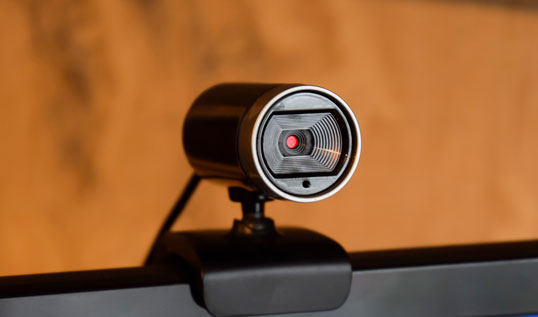
Webcams are avalible in every conference room in the traning center.
If you experience any issues, please contact the front desk for help.
How it works
When running a hybrid Teams or Zoom meeting in the room via these screens, the default camera is set on the room laptop to be the webcam at the top of the screen that shows the entire room. This can be changed via the camera settings in the Zoom or Teams window.