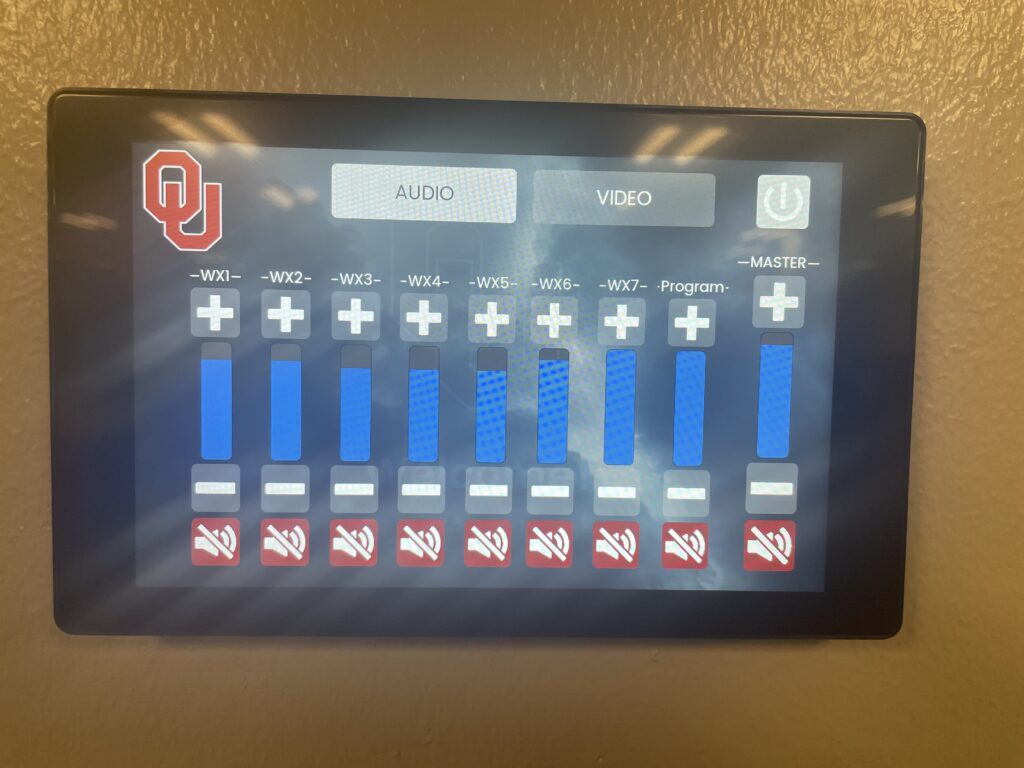
The AV Console is located on the west wall of the Grand Room behind the podium.
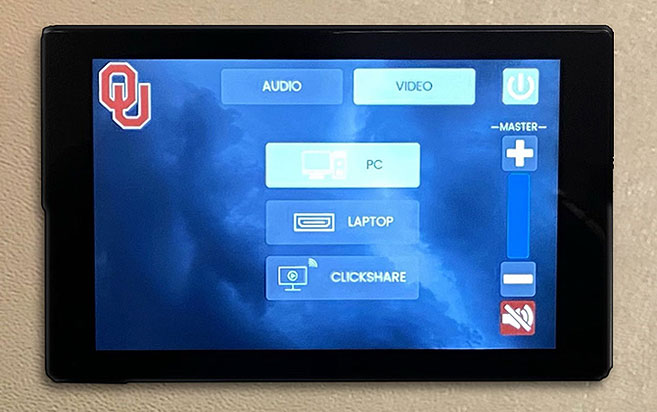
After Pressing the main OU splash screen the video options will appear. The first option, PC, represents the PC on the podium. The second option, Laptop, represents your computer, if you chose to bring one. The third option, Click-Share, will share the screen of any computer you connect to the ClickShare USB-C dongle.
The master volume can be controlled from both the video and audio screens using the + and – buttons on the right side of the screen. The audio tab allows you to make more specific adjustments, but please consult TCIT before doing so.