
Table/Boundary Microphones enable groups to speak without the use of individual mics. They are available in Room 130 and 311 for presenter use.
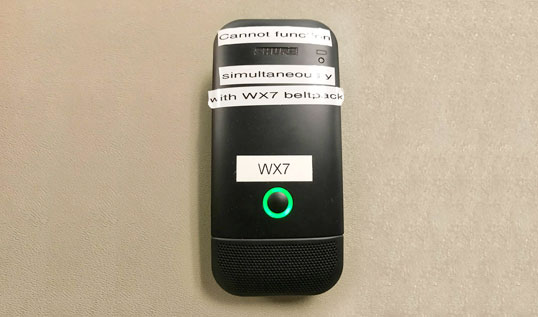
How it works
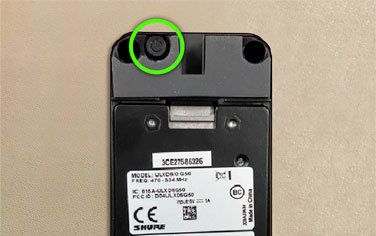
First:
Turn the device on and off by pressing the power button located on the underside of the microphone.
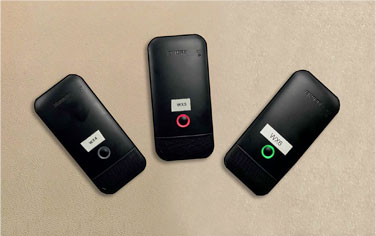
Second:
Each table microphone has 3 states
1. Off – no light will emit from the device
2. Mute- red light will emit from the device
3. Live- green light will emit from the device